News
Practical guidance on reference numbers, USPTO compliance and getting figures out the door faster.
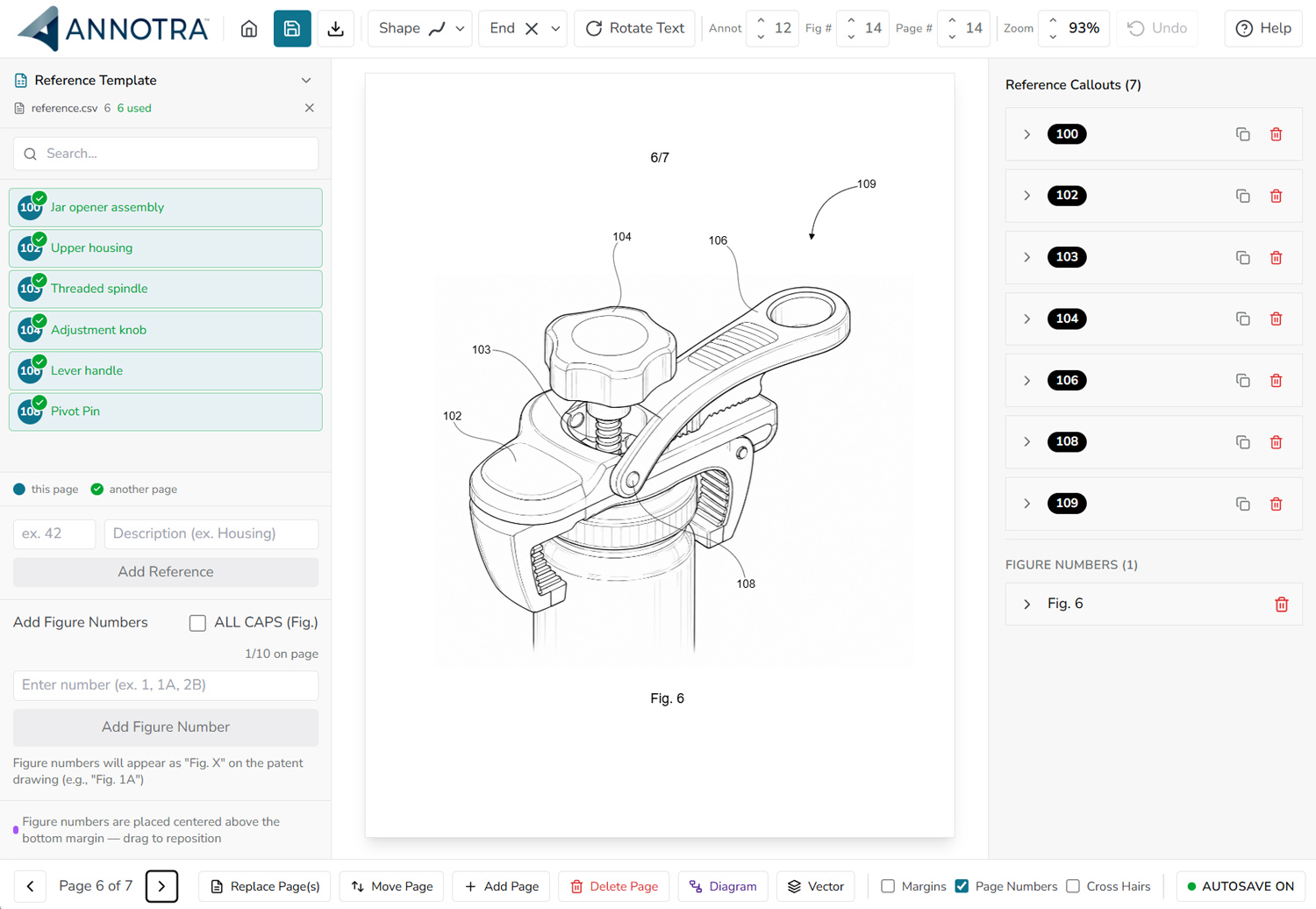
Explore updated annotation controls, project management, PDF exports, and diagram tools in Annotra 2.0.
Reference-number principles, sourced U.S. drawing guidance, and a practical review workflow with a downloadable helmet PDF and reference list.
Essential patent resources, USPTO links, software tools, and U.S.-based drawing services all in one place.
Explore reference lists, leader lines, multi-page annotation, and final drawing review. Evaluate the workflow on your own projects.
Review drawing margins and download starting templates. Check page dimensions and final output against the applicable filing requirements.
Illustrator is a vector artwork tool. Annotra focuses on patent figure annotation. Compare the work you need to do, not a blanket winner.
Inkscape offers free vector editing; Annotra offers a dedicated patent annotation workflow. Choose based on artwork needs, reference lists, and handoffs.
If you've ever prepared patent figures, you know the drill: every element in the drawing needs a reference number, consistently applied, and carefully matched to your specification.
Acrobat supports general PDF review and callouts. Annotra focuses on reference numbers, leader lines, and patent figure annotation. Here is how to choose by task.
A practical process for separating artwork changes from annotation changes, tracking affected figures, and checking the exported drawing set.
Define who owns the artwork, reference list, annotations, and final review so patent drawing handoffs are easier to follow.