
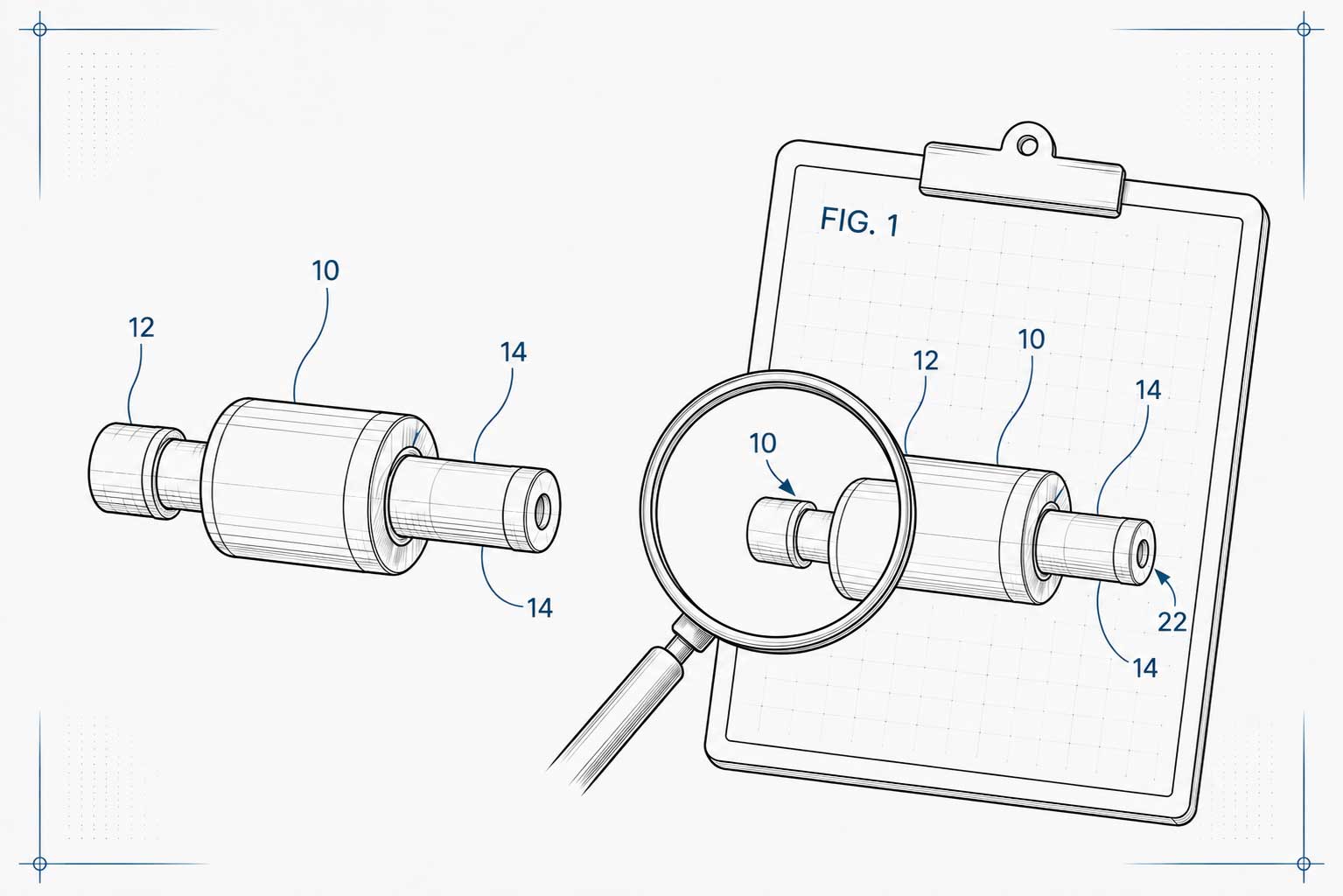
Reference numbers connect the parts shown in patent drawings to the written description. Start with an agreed number-and-description list, keep each part's identifier consistent across views, place readable callouts, and check the exported drawing set against the description. Annotation software helps place the labels; the application team remains responsible for their meaning and final review.
Published by Annotra. Updated . This is Annotra's product and educational content, not an independent product review. Regulatory summaries below were checked against the linked USPTO guidance for this update; no named patent professional's review is claimed.
What does a reference number identify?
A reference numeral identifies a depicted part or feature. It differs from a figure label, which identifies a view, and a sheet number, which identifies a page. In our helmet demonstration, 102 identifies the helmet shell; FIG. 2 identifies the front view. A reference list records the intended number-and-description pairs before an operator places them on the drawings.
This article explains numbering principles and review decisions. For a placement exercise, use the separate two-figure worked example. For Annotra's controls, use the product walkthrough.
What do the U.S. rules say about reference characters?
The USPTO reproduces 37 CFR 1.84 in MPEP § 608.02. The following is a focused summary, not the complete drawing standard:
- Legibility and size — § 1.84(p)(1), (3): Characters must be legible and at least 0.32 cm (1/8 inch) high. Keep them clear of drawing lines. Measure actual character height in the final output; a font's point size alone does not establish it.
- Consistent identifiers — § 1.84(p)(4), (5): Use the same character for the same part across views, and do not assign that character to different parts. References in the drawings and description must correspond.
- Leader lines — § 1.84(q): Straight or curved lines should be short, extend from near the character to the feature, and must not cross one another. The rule provides an underlined-character exception for certain surface or cross-section labels.
- Arrows — § 1.84(r): Arrow meaning depends on whether it indicates a section, a surface, or movement. Do not choose an endpoint solely for appearance.
Use the linked source for the full requirements and exceptions. This guide focuses on reference annotation, not every drawing category or jurisdiction.
How should a team plan and check the numbering?
- Agree on the reference list. Have the person responsible for the application confirm the intended part names and numbers. Resolve unclear descriptions before placement.
- Map references to views. Record which features each view actually shows. Do not treat the master list as an instruction to place every number in every figure.
- Place and inspect callouts. Check the intended feature, numeral position, and leader endpoint together. When reusing a callout on another view, inspect its new position rather than assuming it points correctly.
- Review changes across the set. If a reference or drawing changes, identify affected figures and corresponding text. Keep a change list so the reviewer knows what to check.
- Open the exported PDF. Compare the output against the reference list and written description. Check clarity, labels, page order, and the applicable drawing requirements at final size.
For example, duplicating a callout preserves its numeral in Annotra, but the same location on another page may depict a different feature. Placement still needs human review. Annotra does not automatically verify the written specification or certify filing compliance.
Try the principles with the helmet demonstration
Use a public sample before applying the workflow to your own project. The demonstration shows three views of a helmet, reference placement, adjustments, and an exported PDF opened for inspection.
- Watch the recorded Annotra workflow.
- Download the three-page helmet source PDF. It has no reference callouts; the front view already includes a FIG. 2 label.
- Download the eight-entry reference CSV, recreated from the list visible in the recording.
Identify the shell in each applicable view, then inspect where the 102 callout belongs. Check existing figure labels before adding new ones. The video is an edited demonstration, not a time-saving benchmark, and the source PDF is a practice input rather than a certified filing template.
Common reference-number questions
Do all reference numbers belong in every figure?
No. Plan placement around the features depicted in each view. A part hidden in one view may be visible in another. Review the complete set and its correspondence with the description rather than forcing the whole list onto each page.
Do I need Annotra to add reference numbers?
No. Choose a tool that fits your workflow. Annotra offers reference-list import, callout placement, multi-page projects, and PDF export. General drawing and PDF tools can also be part of a team's process. Compare them on the same representative task and inspect the output.
How can I measure whether a workflow saves time?
Record preparation, placement, revisions, and final review separately on comparable drawing sets. Note reference count, figure count, operator experience, and corrections required. Report the actual observations rather than treating a short demo video as a benchmark.
For the next step, follow the worked placement exercise or the revision workflow. Annotra's founder, Michael Williams, is a patent illustrator; read the founder background. That background does not constitute a named professional review of this article. This material is informational, not legal advice.